Guides
Read in order, start to finish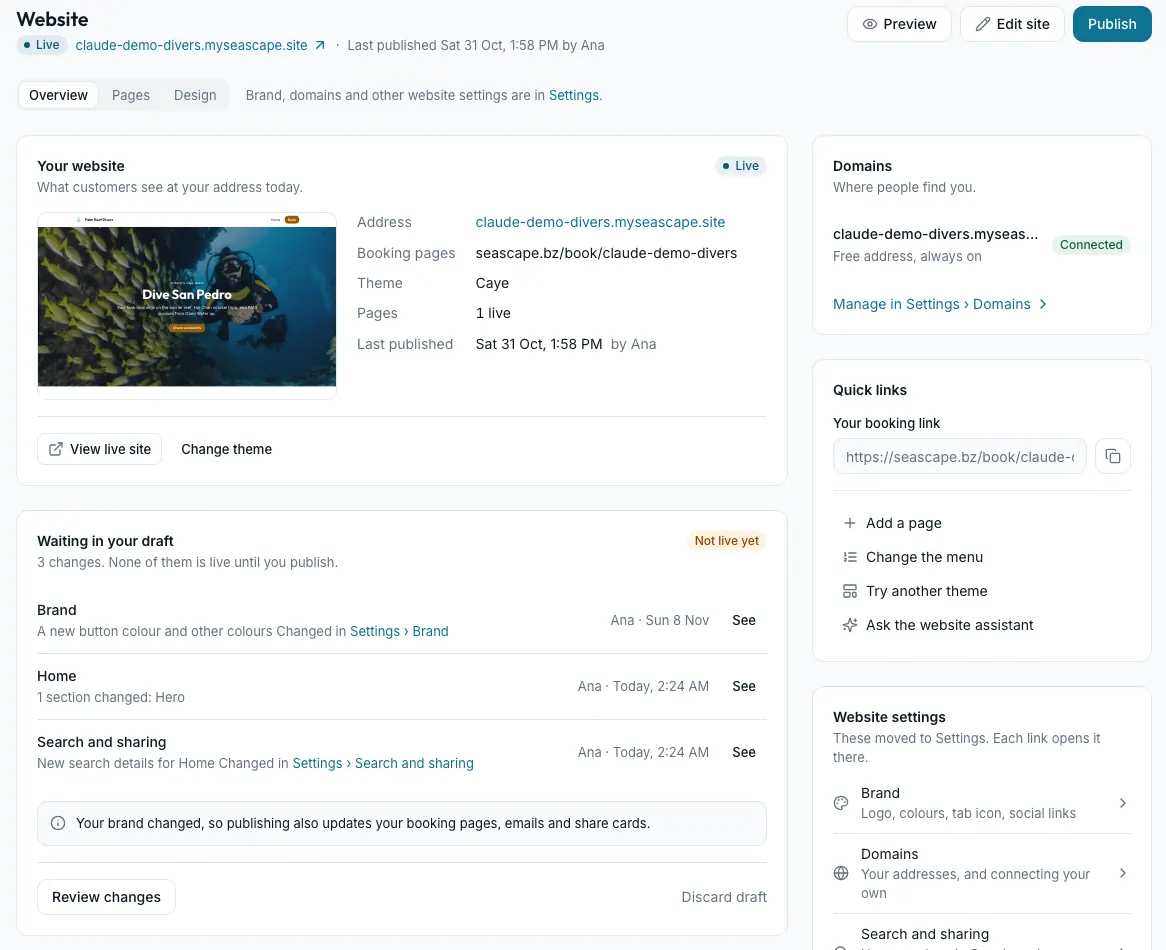
Your website, start to finish
This guide shows you how to build, change and publish your Seascape website, one task at a time. You need no technical knowledge.
- 1Getting around
- 2Choosing and changing your look
- 3The editor
- 4Pages
- 5The website assistant
- 6Getting found and shared
- 7Your address
- 8Booking from your website
- 9Troubleshooting
Browse by topic
14 topics · 127 articlesGetting started
Set up your shop, find your way around, and bring your data over.
All of Getting started 12 articlesReservations
Take bookings, Booking IDs, cancelling and the waitlist.
- Taking a booking by phone or in person
- Booking IDs: one visit, several activities
- Cancelling a booking, and Restore
Check-in, waivers and diver safety
Check people in, collect waivers, and the rules for young and rusty divers.
- Setting up your waiver
- Front desk check-in, QR code and kiosk
- Young divers: age rules for online bookings
Getting paid
Payment methods, deposits, card payments, refunds and payouts.
All of Getting paid 13 articlesInvoices, quotes and reports
Invoices, quotes, credit notes, Financials and QuickBooks.
All of Invoices 6 articlesActivities and products
What you sell: activities, courses, products, packages and promo codes.
All of Activities 10 articlesClients and account balance
Customer profiles, importing clients and account balance.
All of Clients 4 articlesMessages, requests and marketing
Your inbox, date requests, reviews, campaigns, emails and texts.
All of Messages 7 articlesYour website
Your website and its editor, your look, your address, Google and the website assistant, and your booking page.
- Your website's look: themes and Set up your look
- Add sections, and reuse a saved section
- Find your way around Website: draft, preview and publish
Boats, gear and maintenance
Boats, vehicles, equipment and servicing.
All of Boats and gear 7 articlesShop settings and your Seascape plan
Your profile, locations, forms, notifications and your Seascape bill.
- How Settings is organised
- Locations, opening hours and days closed
- Your Seascape subscription (Plan and billing)
Can't find it?
Signed in, the assistant can also look things up in your own shop: today's trips, a booking, a balance.
Email us and a person answers: support@seascape.bz
Every change to Seascape, week by week, on seascape.bz/changelog.