Your website, start to finish
This guide shows you how to build, change and publish your Seascape website, one task at a time. You need no technical knowledge.
How to use this guide
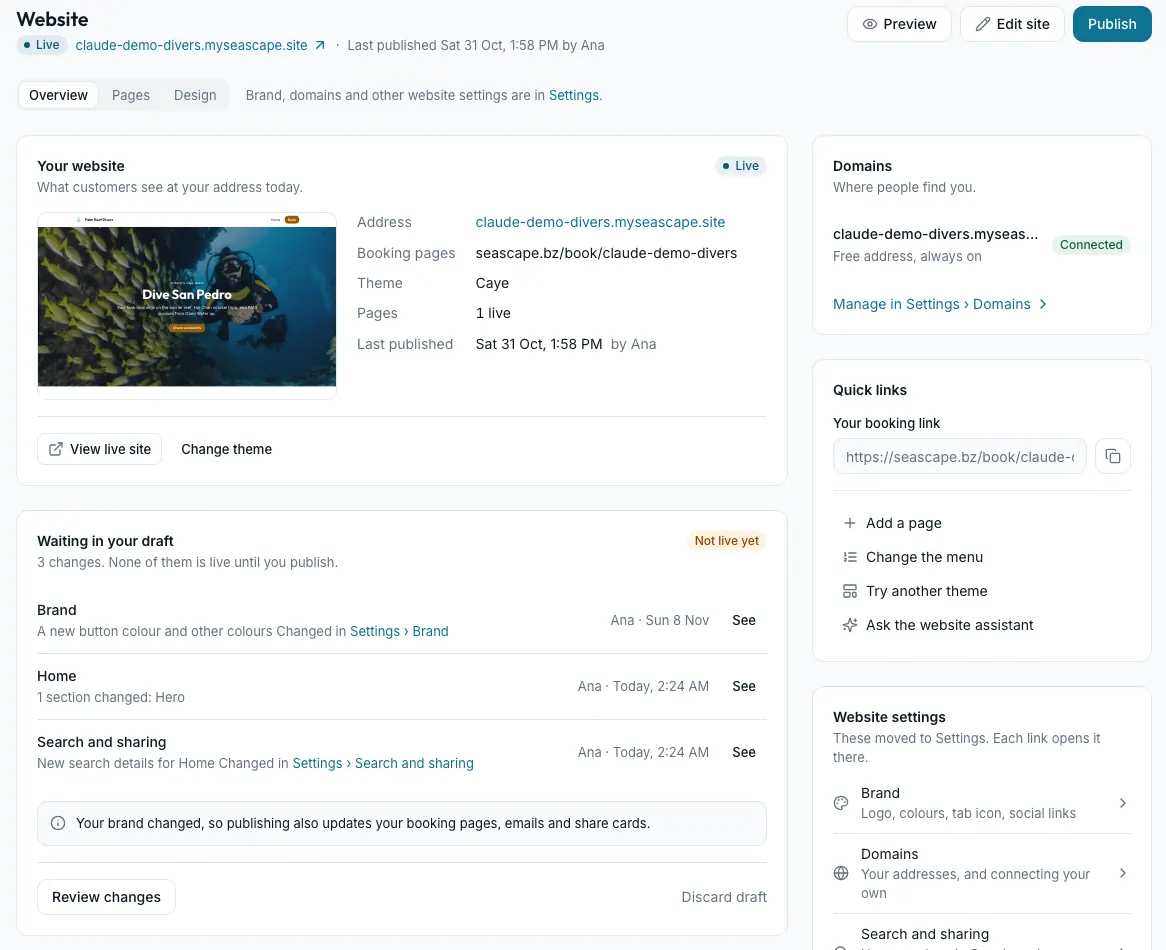
- Screenshots come from Seascape's demo shop, Palm Reef Divers. Your screens show your own shop.
- Words in bold are the exact words on the button or tab you press.
- Not yet marks something that isn't finished, so you never look for a button that isn't there.
Seascape uses two words carefully. An activity is a dive, course or tour you run, sold on a date; it lives under Activities in the sidebar. A product is something off the shelf, like a rash guard or a logbook; it lives under Products. Your website shows your activities, and their prices, dates and seats come from Activities. A Prices section can also show rows you type, but what a customer pays always comes from Activities.
Nothing you change goes live until you press Publish, so you can try things freely.
Chapters
16 articles- Chapter 1
Getting around
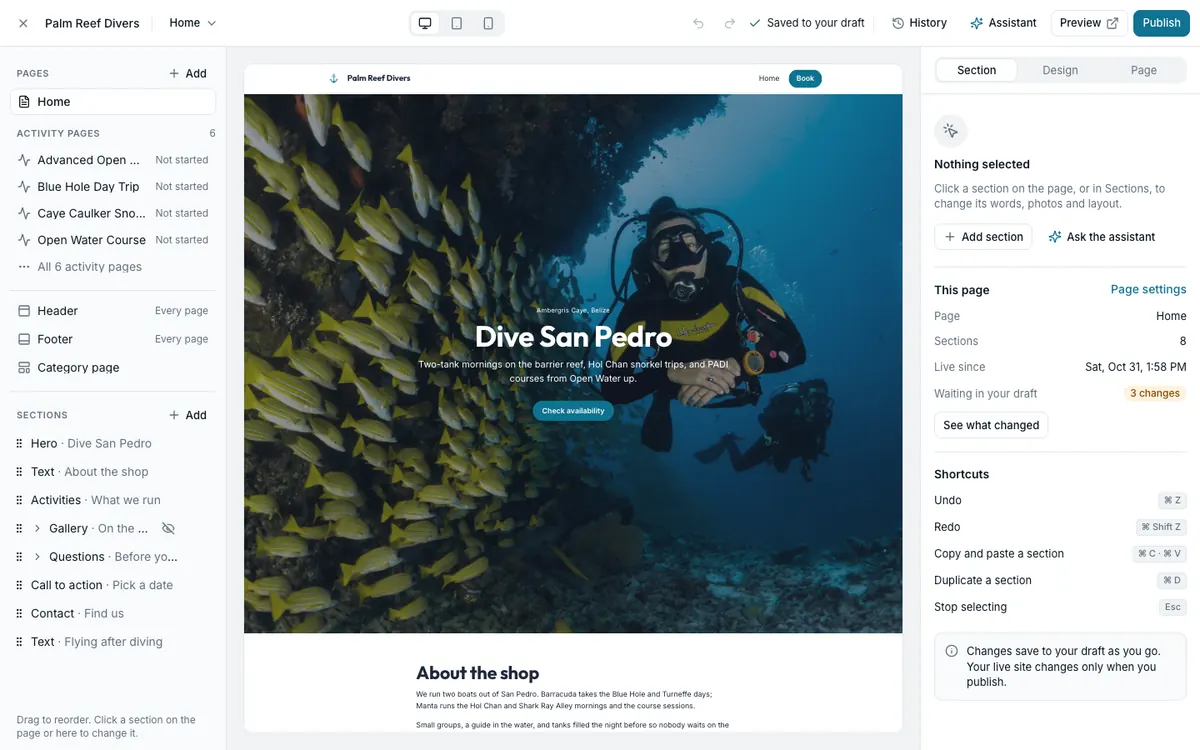
See whether your site is live, check what's waiting to go live, show someone a preview and publish.
- Chapter 2
Choosing and changing your look
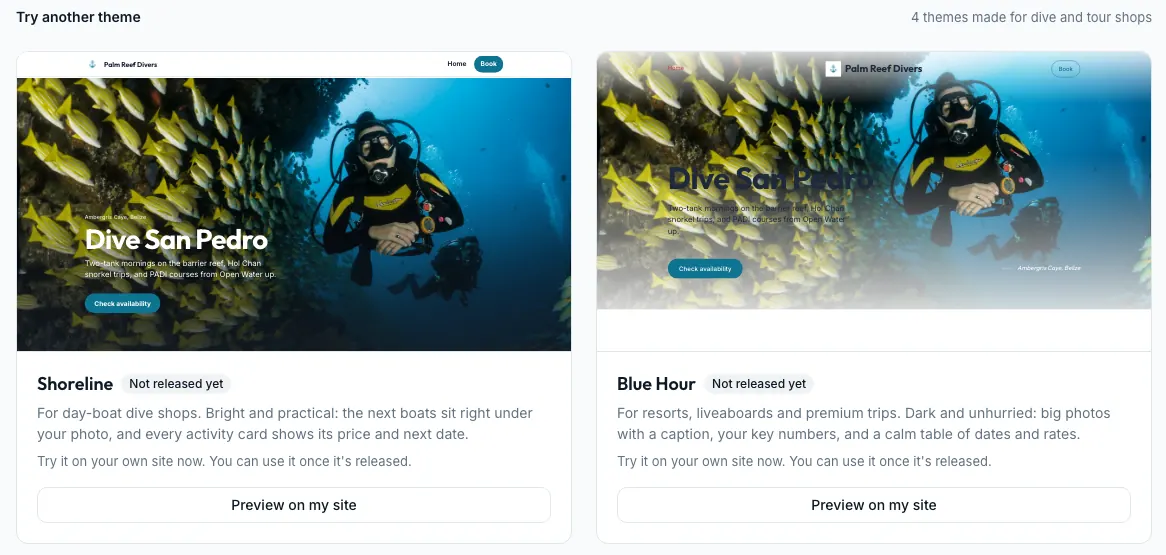
Compare themes on your own pages, start a fresh look in a few clicks, and keep your colours and fonts as design systems.
- Chapter 4
Pages
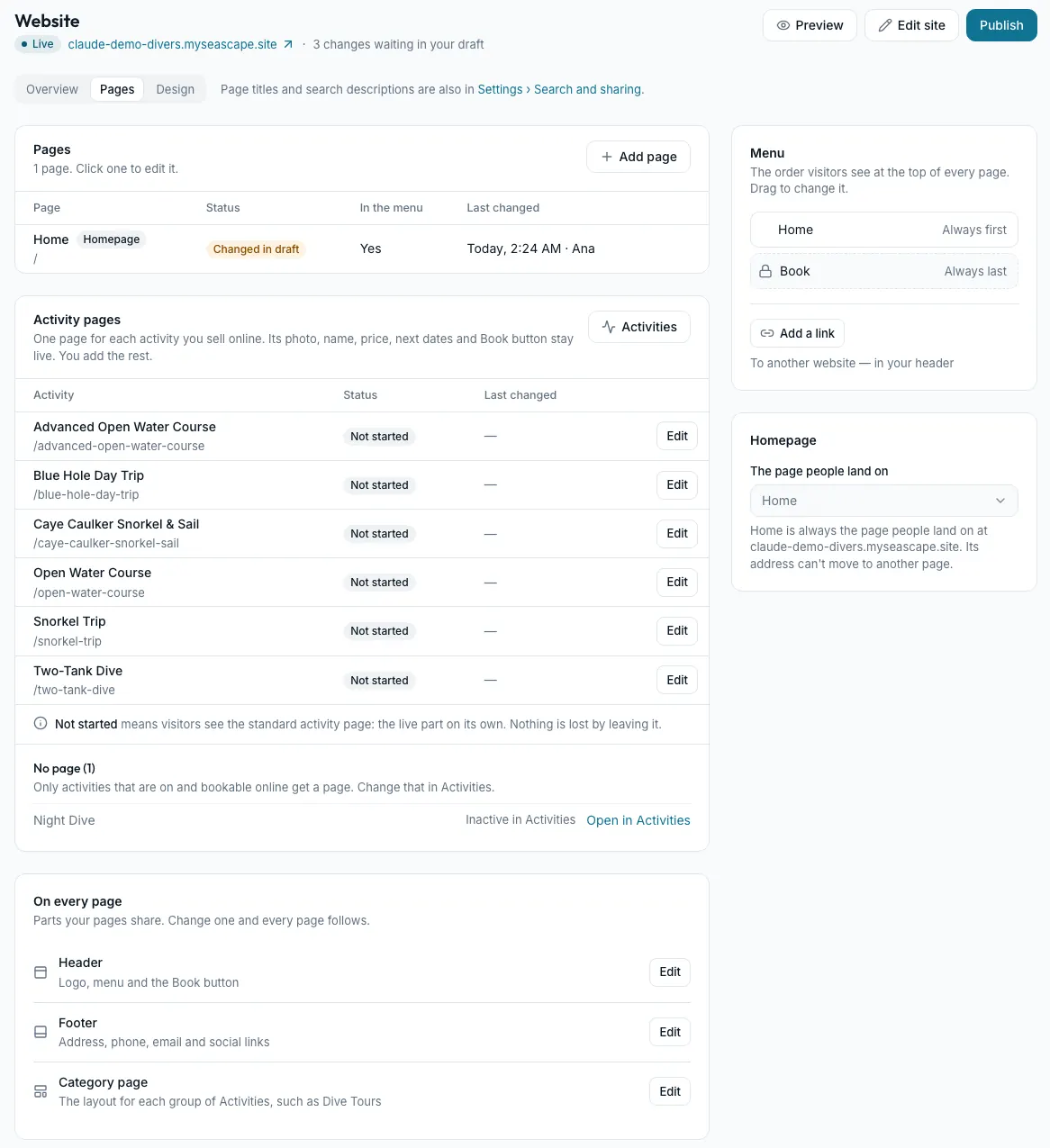
Add pages, rename them, change their addresses, decide what's in the menu, and give each activity a page of its own.
- Chapter 5
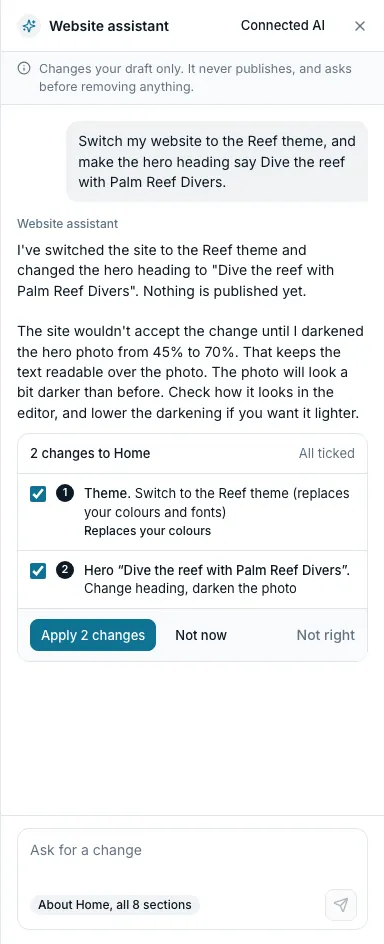
The website assistant
Ask for changes in your own words. It lists every change first, and nothing changes until you press Apply.
- Chapter 6
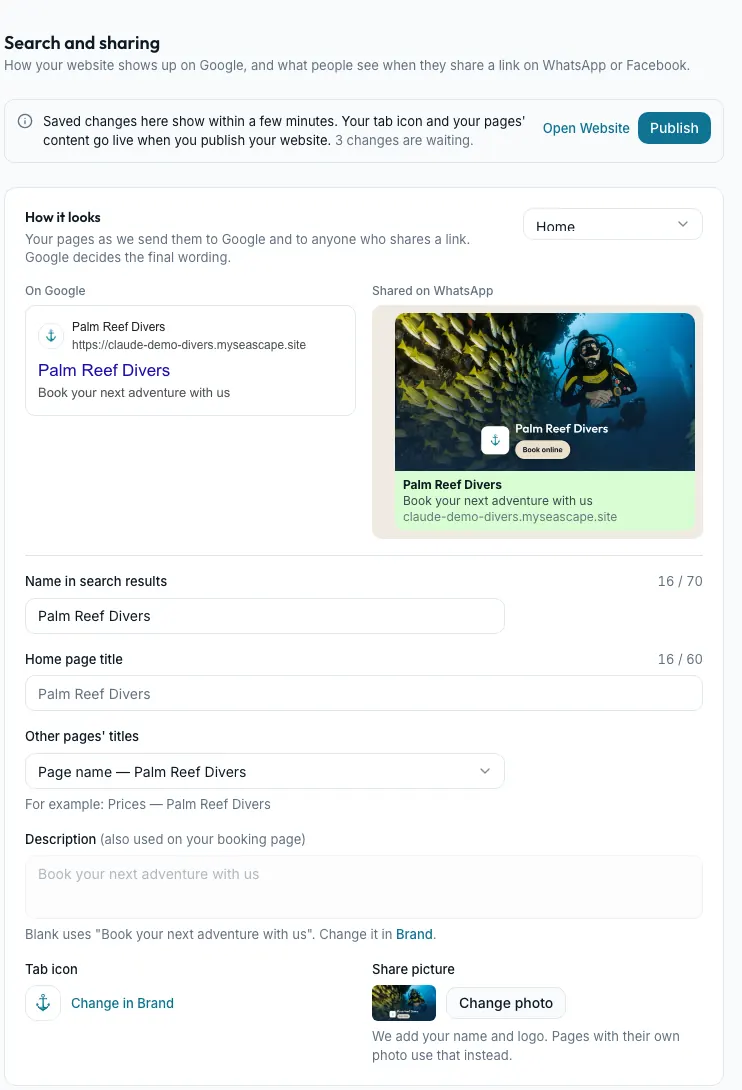
Getting found and shared
Choose how your site looks on Google and in a shared link, see how people find you, and keep old links working.
- Chapter 7
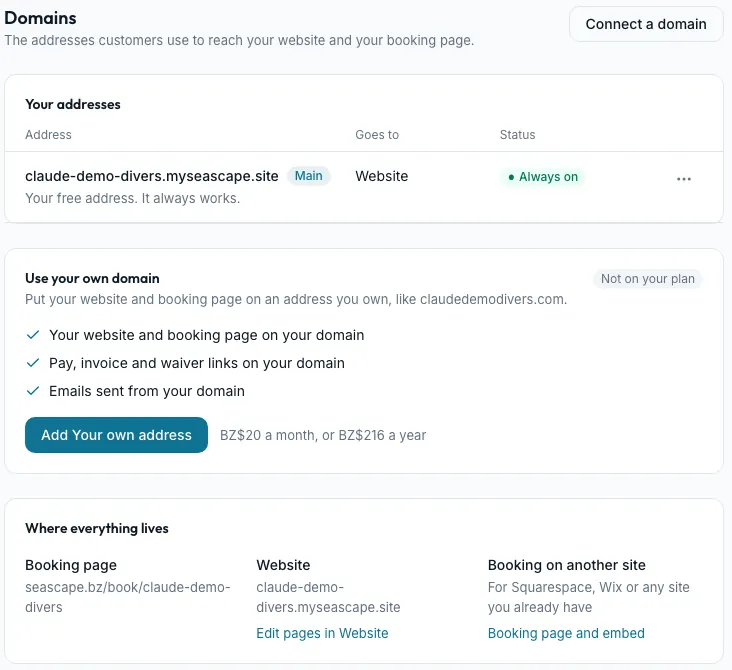
Your address
Your free address, a domain of your own with the add-on, and taking Powered by Seascape off.
- Chapter 8
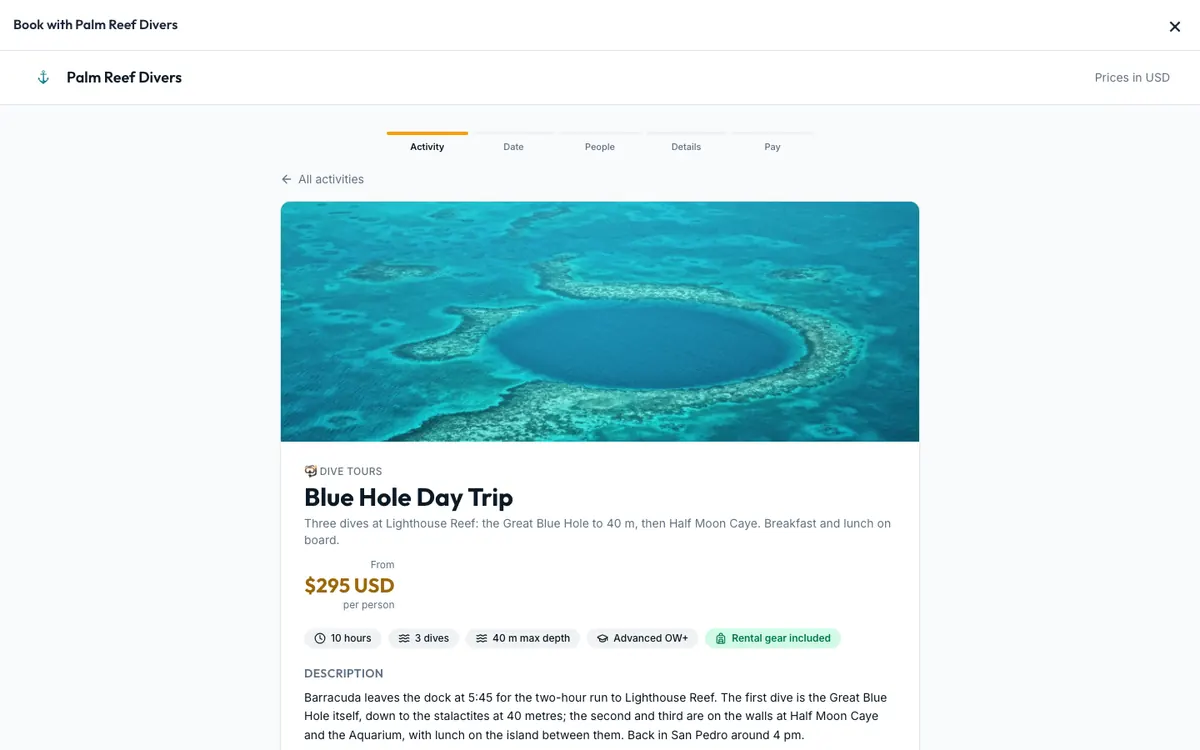
Booking from your website
Customers book without leaving your page, see seats left if you want, and see your brand all the way through.
- Appendix
Where website settings live
Every website setting, the Settings page it's on now, and when a change goes live.
Still stuck?
Signed in, it can also look at your own shop.
A person reads every one: support@seascape.bz